
Updated Nov 1, 2026. Care guide based on maker instructions only. Compiled from maker spec pages and help centers checked on Nov 1, 2026; we have not worn or tested these pairs ourselves. Author: The EyeComfy team.
Affiliate disclosure: As an Amazon Associate we earn from qualifying purchases. Some links below are affiliate links. EyeComfy is independent and is not affiliated with, sponsored by or endorsed by Meta, Ray-Ban, Oakley, Amazon or any brand mentioned here.
Quick answer
- Meta (Ray-Ban Meta, Oakley Meta, Meta Ray-Ban Display): damp cloth, mild soap, no solvents or alcohol, never under running water.
- Wipe three spots: the lenses, the small camera lens, and the charging contacts on the nose bridge (our checklist).
- Dry before you case them: Meta says to dry the glasses before putting them back in the charging case or wearing them.
- Keep the case dry: clean the glasses away from the charging case, and check Meta’s safety leaflet for its charging-case warnings.
- Any other brand: follow that maker’s own care page; if there isn’t one, ask the maker before using any spray.
Smart glasses look like ordinary frames, but they carry speakers, microphones, a battery and often a camera. That changes how you clean them. The habits many people use on regular glasses, like rinsing them under the tap or using whatever spray is in the drawer, can conflict with what the makers say. This guide sticks to published maker guidance. Where a maker hasn’t published anything we could find, we say so instead of guessing.
Not medical advice
This page is about caring for the hardware. If your eyes feel sore, itchy or irritated, or your vision changes, see an optometrist or ophthalmologist. The American Academy of Ophthalmology has general eye-health information at aao.org.
How we research
We read each maker’s help center, safety leaflet and product pages, and quote them in our evidence file. We did not run cleaning trials, and we do not recommend any method a maker advises against. Read more on our how we research page.
What Meta says to do
Meta publishes one care page that covers its AI glasses line. Its core instructions are short: use a dampened cloth and mild soap, avoid all solvents and alcohol, don’t use dirty or abrasive cloths, and don’t hold the glasses under running water. Read the full page here: Meta Help — Care and cleaning tips for AI glasses.
Step by step (Meta glasses)
- Take the glasses out of the case. Clean them away from the case so no moisture reaches it.
- Dampen a clean, soft cloth with water and a small amount of mild soap. Wring it out so it is damp, not wet.
- Wipe the lenses gently, both sides, with light pressure.
- Wipe the camera lens. It is small and easy to smudge with a fingertip when you put the glasses on.
- Wipe the charging contacts on the nose bridge. Grime there can get in the way of charging (our suggestion).
- Dry everything with a clean, dry, soft cloth. Meta says to dry the glasses before returning them to the case or wearing them.
- Store them in the charging case. Meta recommends this whenever you aren’t wearing them, to protect against drops and scratches.
What to avoid
| Avoid | Why (per maker) | Source |
|---|---|---|
| Alcohol, solvents | Meta says to avoid all types of solvents or alcohol | Meta care page |
| Dirty or abrasive cloths | Meta says they could alter the features of the lenses | Meta care page |
| Running water / rinsing | Meta says not to hold the glasses under running water | Meta care page |
| Soaking or submerging | Meta’s IPX4 models are rated for light rain, not immersion | Meta water resistance page |
Paper towels, tissues and the hem of your T-shirt aren’t on any maker list we found as approved cloths. Meta’s wording, “dirty or abrasive cloths,” is the safest test: if a cloth isn’t clean and soft, don’t use it on the lenses.

What to buy (and what to skip)
You don’t need much. A stack of clean microfiber cloths means you always have a fresh one, and a small cloth that lives in the case pocket covers wipes on the go. If you buy a lens spray, read the ingredients and skip anything with alcohol or solvents if you own Meta glasses.
Microfiber lens cloths (multi-pack)
Soft, washable cloths for the lenses and frame. Keep one in your bag and rotate them so you never wipe with a gritty cloth.
If you prefer a spray, choose one labeled alcohol-free and check the ingredient list against your maker’s guidance before use.
Useful if you carry a second, non-smart pair. For Meta glasses, the charging case is the one Meta says to store them in.
Want more add-ons? See our smart glasses accessories worth buying.
If your glasses get wet
Ray-Ban Meta, Meta Ray-Ban Display and Meta Glasses carry an IPX4 rating, which Meta says means they’re safe if you get caught in light rain while wearing them. That isn’t the same as waterproof. If they get wet, take them off, wipe them dry with a soft cloth and follow the full steps on Meta’s water resistance page before you charge them.
Oakley Meta Vanguard has a higher IP67 rating; Engadget’s launch report calls it much more water resistant than Meta’s earlier models (Engadget). That still isn’t a reason to rinse or soak it: dry it with a soft cloth before you store or charge it, and check Meta’s product page for what the rating does and doesn’t cover. If you run or ride in them, our cycling and running guide covers sweat and rain in more detail.
Check the contacts
If your glasses stop charging after a wet day, look at the charging port and contacts before anything else. If you see corrosion or damage, stop using them and contact Meta Support. Meta also publishes health and safety warnings for its glasses; read the charging section.
Meta Neural Band (Meta Ray-Ban Display)
The Meta Neural Band wristband used with Meta Ray-Ban Display has its own rules, and they’re stricter than the glasses. Meta says to avoid abrasive materials, ultrasonic cleaners, solvents, alcohol, soaps and steam on the band. Note that soap is on that list for the band but allowed (mild) for the glasses. Follow the band page: Meta Help — How to clean Meta Neural Band.
Other brands: display glasses and audio frames
Display glasses from makers such as XREAL and VITURE use optics that sit in front of the display, and audio frames from other brands have their own finishes. We couldn’t find a published lens-cleaning page from XREAL in our search. In that situation, our advice is simple: check the paper manual in the box and the maker’s support site, and contact the maker before using any liquid. A clean, dry microfiber cloth with light pressure is the most cautious starting point.
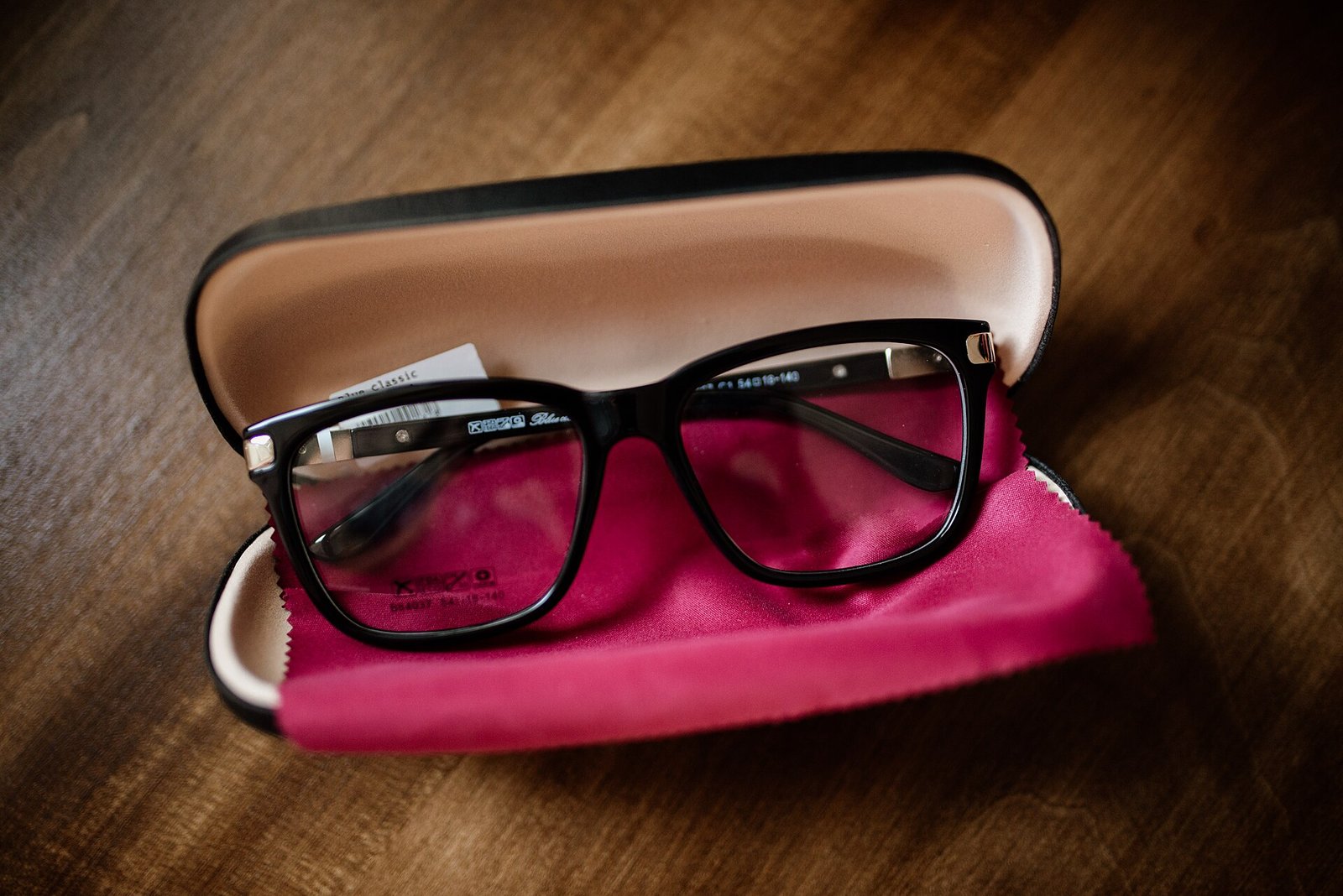
If you wear prescription smart glasses, your lenses may come from Meta’s lens partner or a separate optician. Ask whoever made the lenses whether their coatings need special care. Our Ray-Ban Meta prescription guide explains how the Rx ordering works.
A simple weekly routine
| When | What to do |
|---|---|
| Daily | Dry microfiber wipe of lenses and camera lens; store in the charging case |
| Weekly | Damp cloth + mild soap on lenses, camera lens and nose-bridge contacts (Meta glasses); dry fully |
| After rain or a sweaty session | Wipe dry, clear residue from charging areas, then charge |
| Monthly | Look at the charging contacts and port for corrosion or damage; wash your cloths |
This schedule is our own suggestion built around the maker steps above, not a maker requirement.
FAQ
Can I use rubbing alcohol on Ray-Ban Meta or Oakley Meta lenses?
Meta’s care page says to avoid all types of solvents or alcohol, so no. Use a damp cloth with mild soap instead.
Can I rinse smart glasses under the tap?
Meta says not to hold its glasses under running water. Even the IPX4 models are rated for light rain, not rinsing or soaking.
How do I clean the camera lens?
Gently, with the same damp, soft cloth you use for the lenses, then dry it. It is small and easy to smudge, so it is worth a wipe whenever you clean the lenses.
Why won’t my glasses charge after cleaning?
Make sure the nose-bridge contacts are clean and completely dry before you put the glasses in the case. If you see corrosion or damage, stop using them and contact Meta Support.
Is it safe to use an ultrasonic cleaner?
We found no maker that approves ultrasonic cleaners for smart glasses, and Meta specifically lists ultrasonic tools as something to avoid on the Neural Band. Don’t put electronics in one.
Related on EyeComfy
- Smart glasses accessories worth buying
- Ray-Ban Meta with prescription lenses
- Smart glasses battery life compared
- Smart glasses for cycling and running
- How we research