
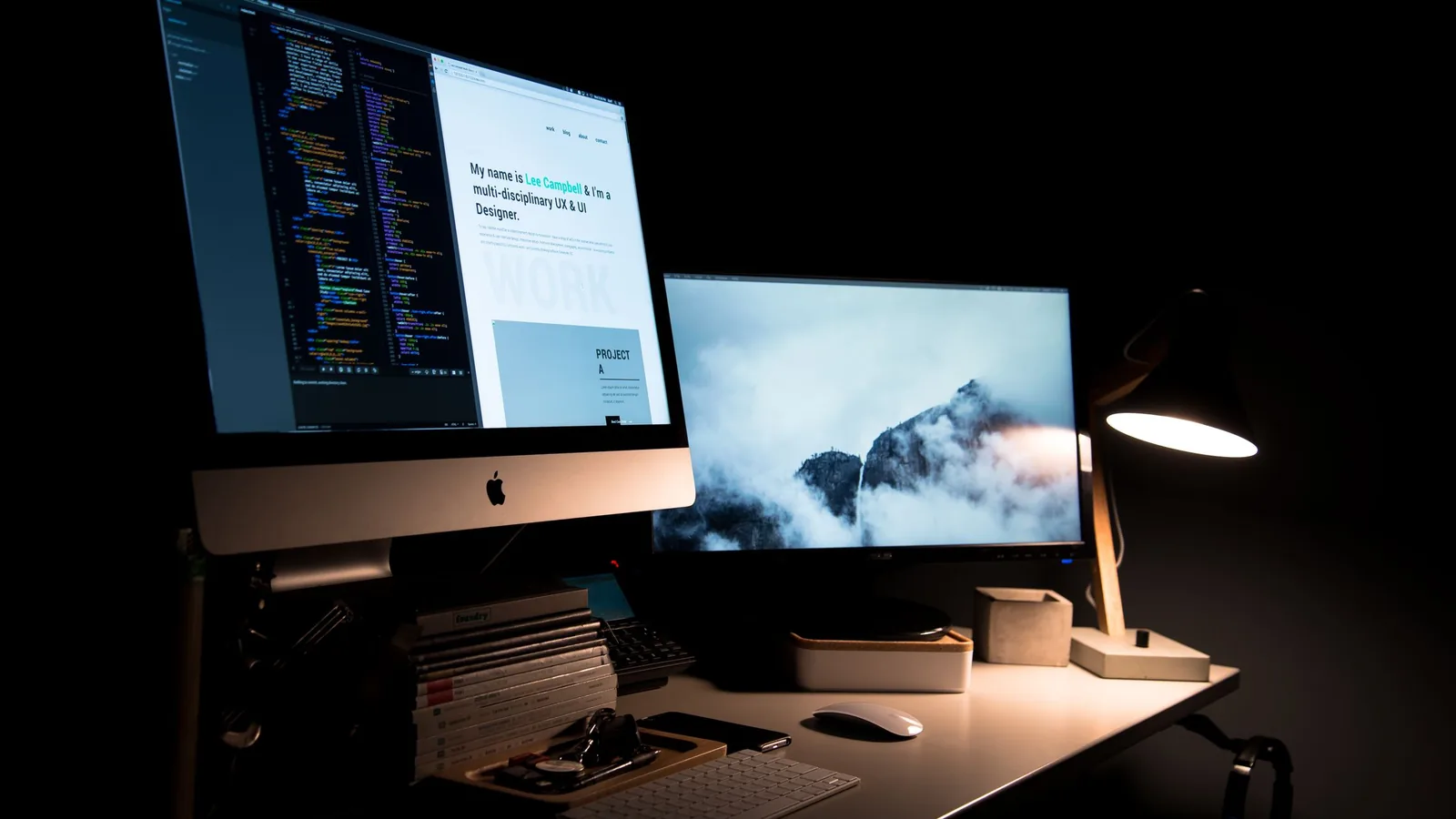
YMYL-adjacent hub — practical desk habits only. Not medical advice. Author: The EyeComfy team. Useful for anyone on long screen days (glasses wearers included).
Long screen days are normal for many of us. This hub is a practical desk checklist: distance, lighting, breaks, and gear that may help comfort. It is not a diagnosis, treatment plan, or promise that any product cures eye strain.
Quick answer: Raise and tilt the monitor so your neck isn’t hunched, keep glare off the lenses, use a warm task light, and take regular focus breaks. Blue-light marketing claims are contested — we will not claim glasses “protect” or “cure” vision. If you have pain, sudden vision changes, or headaches that worry you, see a qualified eye-care professional.
Affiliate disclosure: As an Amazon Associate we earn from qualifying purchases.
On this page
Important disclaimer
EyeComfy is not a medical website. Nothing here is medical advice or a substitute for an eye exam. We will not claim that blue-light glasses, drops, or smart glasses “cure,” “prevent damage,” or “protect vision” unless citing named research with clear caveats — and even then we under-claim.
Desk checklist
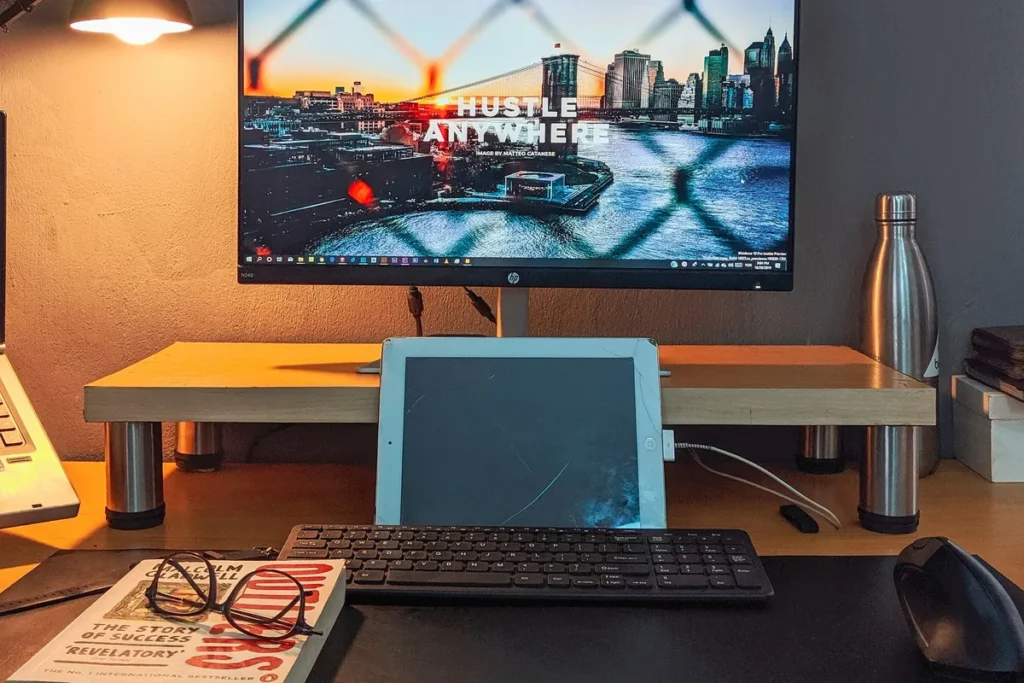
- Monitor distance & height — roughly arm’s length; top of screen at or slightly below eye level. See also OSHA computer workstation eTool and AAO patient education pages for ergonomic framing (we are not restating clinical protocols).
- Glare — place screen perpendicular to windows; matte filter optional
- Lighting — soft bias / task light behind or beside the monitor to reduce harsh contrast
- Breaks — look away periodically (classic 20-20-20 style habits); adjust to what your clinician recommends
- Rx currency — outdated prescriptions are a common comfort killer; ask your optometrist, don’t self-adjust
Gear that may help
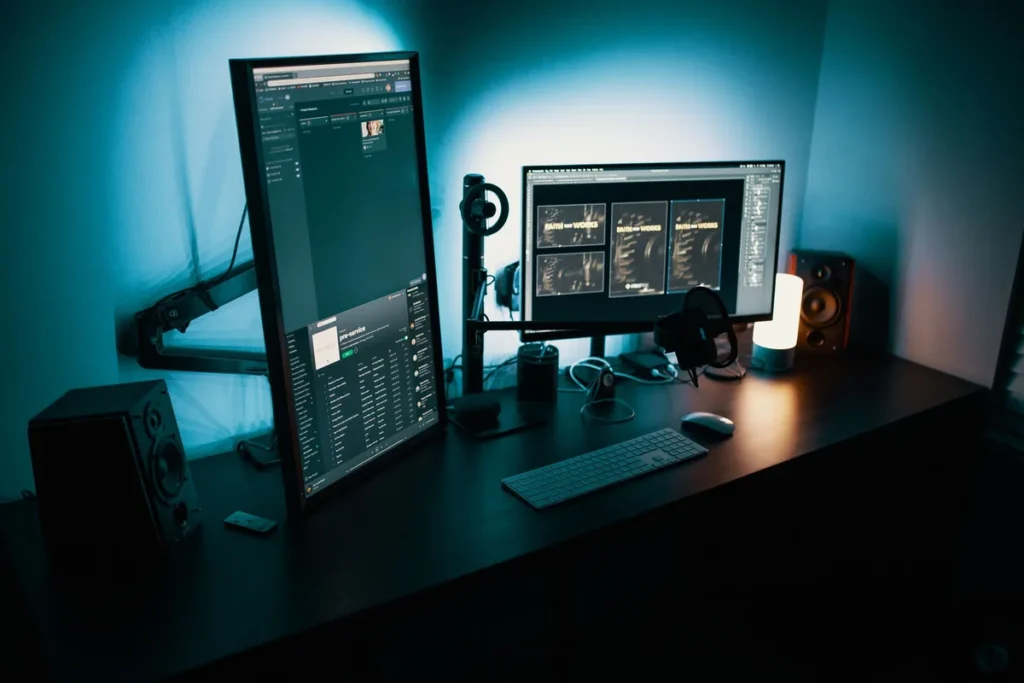
Optional comfort gear — not prescriptions. A monitor arm and a desk light bar are the two accessories most people try first.
Monitor light bar (desk bias light)
Soft bias light above the monitor can reduce harsh screen-to-room contrast. Comfort tool only — not a medical device.
Check price on AmazonBlue light — short take
Marketing for blue-light-blocking lenses often overstates benefits. Clinical consensus is mixed; sleep-timing and screen habits usually matter more than a coating. We will expand this with named sources in a dedicated guide — until then, do not buy blue-light glasses as medical treatment.

Where smart glasses fit
Display / XR glasses can replace a hotel or travel monitor; they do not fix desk ergonomics by themselves. Camera AI glasses are for capture and AI, not “eye strain therapy.” For Rx in smart frames, see the prescription hub.