

Updated Oct 28 2026 (America/New_York). Research-based guide — we have not hands-on tested every model. Author: The EyeComfy team.
EyeComfy is for everyone exploring smart glasses & AR — oral and visual connection.
“Smart glasses” and AR wearables span four jobs sharing a face. Buying the wrong one wastes money. This hub separates audio, camera / AI, display, and true AR so you can match the job before the brand.
Quick answer: Want music/calls without earbuds → audio. Want photos + AI assistant → camera AI (e.g. Ray-Ban Meta / Oakley Meta class). Want a portable monitor → display glasses (Xreal / Viture class). Want overlay navigation / world-locked UI → true AR (rarer; check FOV, battery, and whether the maker means “virtual monitor” vs world-locked AR). Prescription wearers: after you pick a type, jump to the prescription hub.
Affiliate disclosure: As an Amazon Associate we earn from qualifying purchases.

Type definitions
Audio glasses

Open-ear speakers in the temples. Usually no camera. Best for commuting and awareness. Trade-offs: sound leakage and bass limits. Shop current audio models on Amazon and compare maker battery claims on the product page.
Camera / AI glasses
Built-in camera + onboard AI (Meta AI on Ray-Ban Meta / Oakley Meta). Capture photos/video hands-free; open-ear audio for calls and music. Look for a visible privacy LED / recording indicator and learn venue etiquette before travel. Battery claims on Meta/Oakley pages are typically “up to” figures for mixed use — treat them as marketing maxima, not guarantees.
Display glasses (virtual monitor)
Micro-OLED (or similar) panels that put a large virtual screen in front of you. Xreal One-class devices often connect over USB-C to a phone/laptop/handheld and may have no built-in battery (powered by the host). Great for flights and hotel desks. Many are marketed as “AR” but behave primarily as wearable displays.
True AR
World-locked overlays, navigation, or UI anchored to the environment. Consumer options are still scarce and change quickly. Read FOV, passthrough quality, and battery before assuming a “display AR” listing is true world-locked AR. Meta Ray-Ban Display is a heads-up display in the lens family — different job from Xreal-style virtual monitors; check Meta’s current Display product page for Rx range (marketing has listed −4.00 to +4.00) and battery.
Decision matrix
| If you mainly want… | Start with | Watch for |
|---|---|---|
| Music / calls, awareness | Audio glasses | Leakage, wind noise, no camera etiquette |
| Photos, Meta AI, everyday frames | Camera / AI (Ray-Ban Meta / Oakley Meta) | Privacy LED, venue rules, Rx path |
| Movies / portable monitor | Display glasses (Xreal / Viture class) | Host power, inserts vs dial, not true AR |
| Overlay UI / captions in-lens | True AR / Display hybrids (e.g. Meta Ray-Ban Display) | FOV, battery, narrower Rx windows |
Prescription callouts
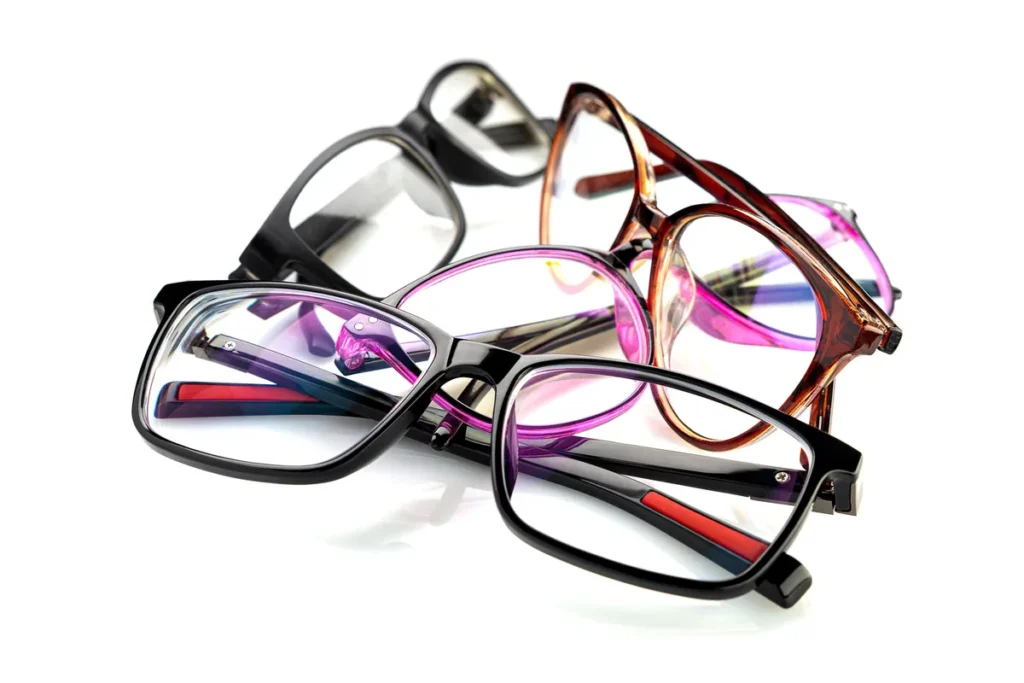
Every comparison on EyeComfy should answer: can someone who needs vision correction use this without contacts? Prefer official Rx docs over retailer blurbs. Deep dive: prescription hub (Meta Help: Ray-Ban Meta −12.00 to +6.00 total power; Gen 3 Aviator −6.00 to +4.00 — checked Oct 28 2026).
Shop examples
Newer Gen 3 silhouette with Meta AI camera features. Confirm Rx options on the product page for your market.
Check price on AmazonSportier Meta AI frames. Oakley lists Authentic Prescription for HSTN (check eligible range on Oakley.com).
Check price on AmazonDisplay-class wearable monitor. Rx usually via custom inserts (maker lens service).
Check price on AmazonDisplay glasses; some VITURE models include myopia dials — confirm Pro 2 range on the listing.
Check price on Amazon