
Updated Oct 28 2026 (America/New_York). Price bands change — check live Amazon pages. Author: The EyeComfy team.
Accessories for smart glasses & AR — for every wearer.
Smart glasses accessories are where budgets quietly grow. This hub lists categories that usually earn their keep — and which ones to skip until you know your daily pattern.
Quick answer: Prioritize a hard case, correct charging cable/brick, and fit aids (nose pads / temple tips) before novelty add-ons. Match accessories to your glasses type. If you need Rx, settle fit/prescription first via the prescription hub, then accessories.
Affiliate disclosure: As an Amazon Associate we earn from qualifying purchases.
Usually worth buying
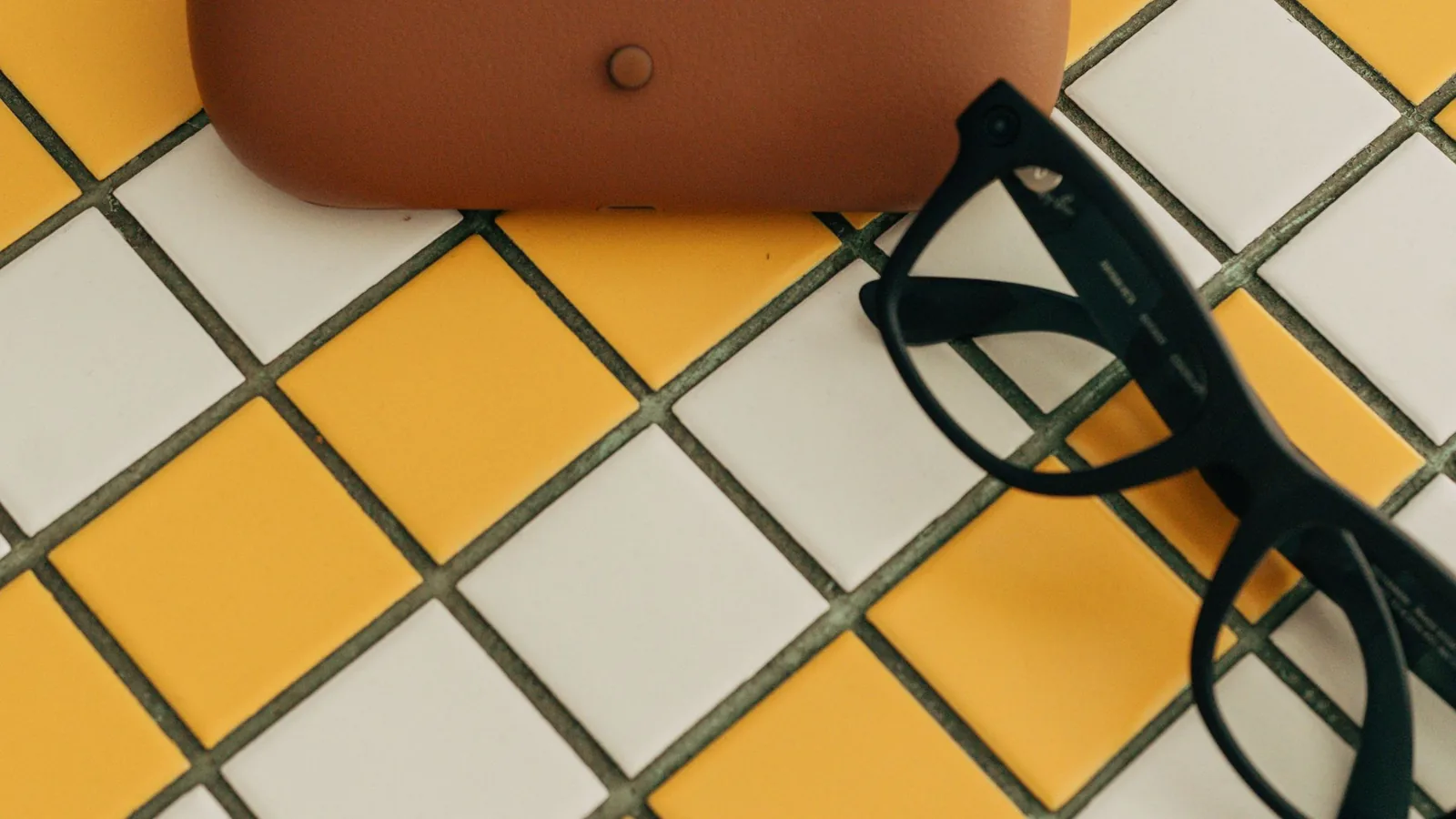
- Hard case — temples and hinges are expensive to replace. Prefer the OEM case that shipped with your frames, or a known-fit third-party only after you confirm dimensions.
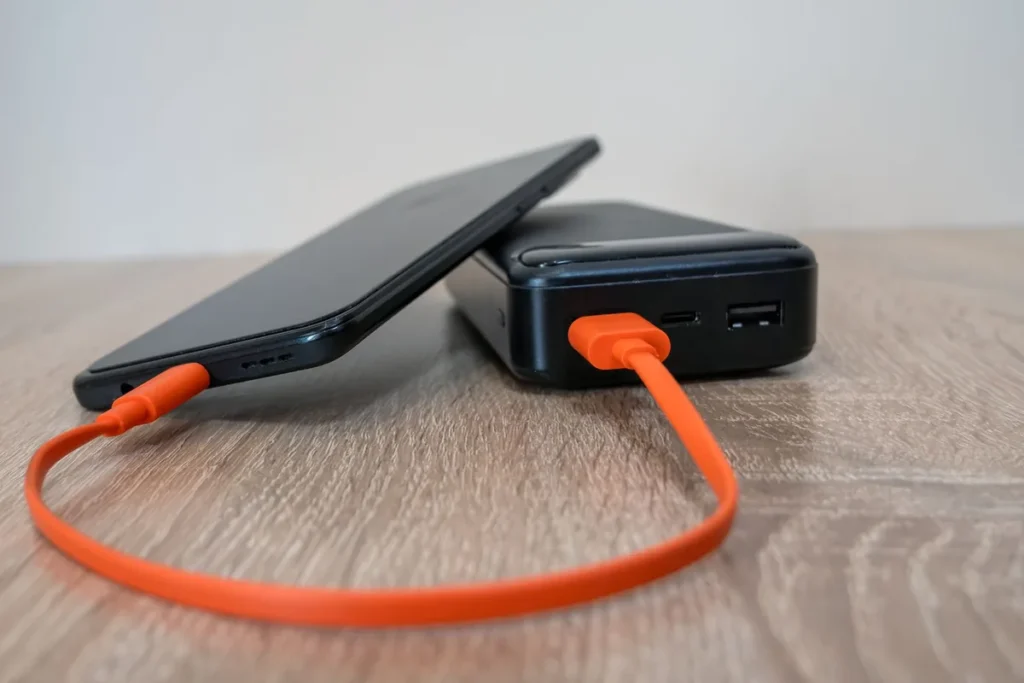
- OEM or certified charger / cable — underpowered bricks cause slow-charge complaints. Use the wattage/cable the maker specifies (many Meta glasses charge USB-C; display glasses often draw power from the host).
- Spare nose pads — all-day wear comfort and hygiene.
- Lens cloth + approved cleaner — coatings vary; avoid random household cleaners. Follow the maker’s cleaning guidance.

Maybe later
- Extra charging case (if your model uses one) for travel weeks
- Prescription insert spare (if you rely on inserts)
- Sunglass / Transitions lens options where officially supported
- USB-C / HDMI adapters for display glasses on consoles or older laptops
Usually skip early
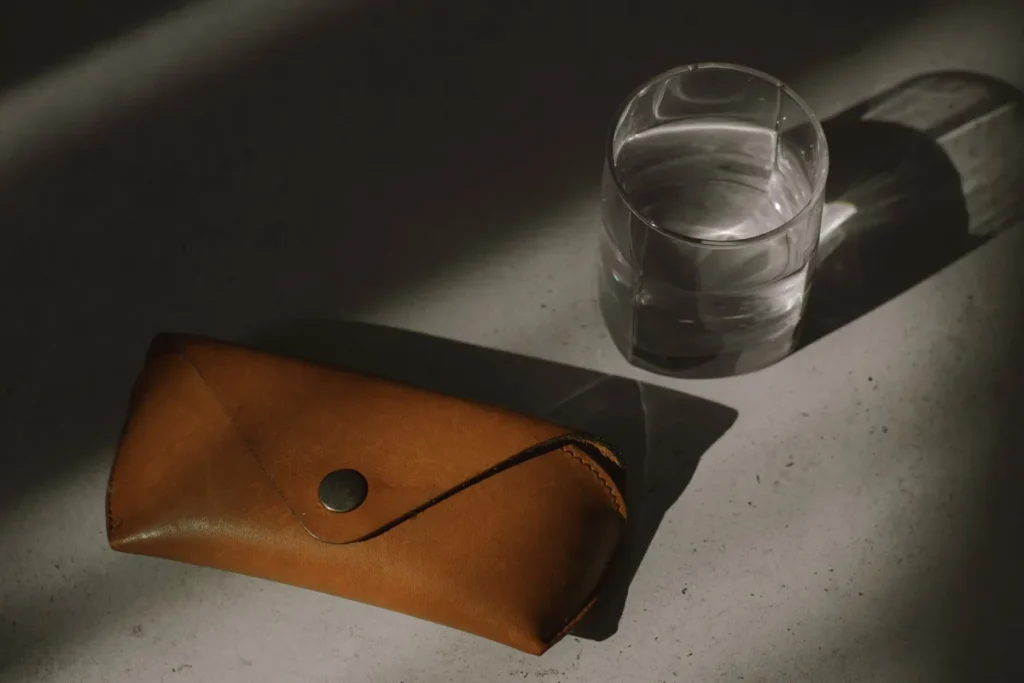
- Unbranded “universal” cases that don’t match hinge width
- Gimmick stickers / skins that trap heat around cameras
- Third-party “Rx kits” with no return policy for custom lenses
Shop examples
Start with fit and frames; add a desk light only if screen glare is your issue (see desk hub).
Monitor light bar (desk bias light)
Soft bias light above the monitor can reduce harsh screen-to-room contrast. Comfort tool only — not a medical device.
Check price on AmazonNewer Gen 3 silhouette with Meta AI camera features. Confirm Rx options on the product page for your market.
Check price on AmazonDisplay-class wearable monitor. Rx usually via custom inserts (maker lens service).
Check price on AmazonRelated
- Prescription hub — fit before accessories
- Desk setup hub — light bars / monitor habits
- Travel hub — packing the case
- How we research